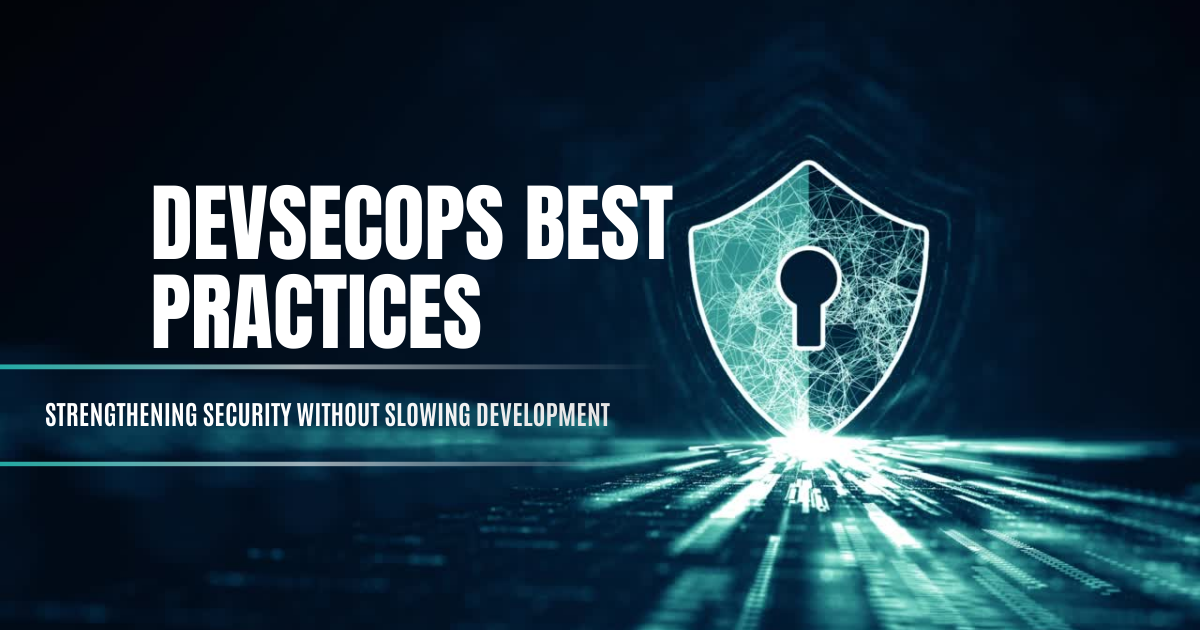
Software pipelines move fast in modern development, but each push can introduce risk. A single flaw can invite attackers or downtime. Adhering to DevSecOps best practices weaves security checks into every phase of development. This shifts protection left, catching vulnerabilities early. DevSecOps unites development and defense. It ensures that DevOps and security teams share tasks and tools. This prevents blind spots. Such unity means fewer issues slipping through and faster fixes.
Integrate security early
Testing code for vulnerabilities as soon as it is written is critical. Development teams should insert automated scans at commit time rather than after deployment. For example, static code analysis tools run on each code push. This way, developers fix problems before merging to main. Embedding these tests into continuous integration saves time and reduces risk. Such steps are core to DevOps security—blending security tasks into the DevOps toolchain. Over time, catching issues early lowers costs and frees resources for innovation. For example, discussing threat models at design time helps identify issues before coding starts. Requiring peer code reviews also catches problems early.
Automated scans and checks
DevSecOps relies on automation. CI/CD pipelines include multiple security tests, such as:
- Static Application Security Testing (SAST): analyze source code for flaws like SQL injection or XSS.
- Software Composition Analysis (SCA): check for vulnerable libraries and outdated dependencies.
- Dynamic Application Security Testing (DAST): scan a running application for exploitable issues.
- Container and infrastructure scanning: inspect container images, servers, and network settings for known vulnerabilities or misconfigurations.
Following the OWASP DevSecOps Guidelines, teams run these tools throughout the pipeline. Any detected flaw fails the build, forcing an immediate fix. This routine ensures new bugs are caught instantly instead of piling up until release. Together, these tests form a DevSecOps pipeline of automated security checks integrated into the CI/CD process. For example, a secrets scanner rejects commits that leak API keys, and license checks ensure only approved open-source components are used. For container workloads, image scanners (built into registries or CI tools) block images with known critical CVEs. For infrastructure code (like Terraform), security linters can block unsafe changes (for example, preventing an open database).
Shared responsibility and culture
Security is everyone’s job. Break down silos so developers, operations, and security experts work together. Define roles like a “security champion” in each development squad, and include security tasks in code reviews and planning meetings. For example, tag project tickets with threat notes or require pull requests to pass security checks. Provide developers with up-to-date training on common attacks and secure coding practices. When Dev, Ops, and Sec teams collaborate, it truly bridges devops and cybersecurity teams. This forms a single team aligned against threats. Encourage shared ownership: treat security findings like any other bug (create a ticket, prioritize, fix promptly) and reward early fixes. Visibility matters too. Maintain a security dashboard that shows recent scan results and open issues. Reviewing this dashboard in stand-ups or sprint reviews keeps everyone aligned and focused on quick fixes.
Infrastructure as code and configuration
Anything defined in code can be tested. Write infrastructure setup (cloud resources, containers, networking) in code and then scan it. Automated tools catch bad settings, open ports, or missing patches before deployment. For example, a policy tool can block a change that exposes a database to the internet. Avoid hard-coded secrets: fetch credentials from a secure vault and rotate them automatically. Treating infrastructure as code makes it version-controlled and peer-reviewable. This also allows easy rollback of any problematic change. If a bad firewall rule is merged, the code repo shows who made that change and the team can quickly recreate secure settings. Using immutable infrastructure (rebuilding servers from code rather than patching them) also prevents drift and preserves security over time.
Continuous monitoring and response
Even with strong defenses, incidents can occur. Continuously monitor systems for anomalies. Logging and alert tools should notify teams of suspicious activity immediately. When a breach happens, follow a formal incident response: How to minimize downtime and damage plan: isolate affected servers, apply patches, rotate keys, and notify leadership. For example, a playbook might automatically quarantine servers or roll back a deployment if a threat is detected. Conduct post-breach reviews to improve the pipeline and update security tests. Clear procedures and practice drills ensure teams act quickly and correctly. Integrate alerts with your incident playbooks (for instance, link a web firewall alarm to a runbook) so no time is wasted deciding what to do next.
Compliance and audits
Regulatory compliance often aligns with strong security practices. Regular audits examine code, configurations, and processes to identify gaps before they become critical. These audits help teams catch risks early—such as unencrypted data storage or missing multi-factor authentication. By integrating audit feedback directly into development, teams can automate checks like license validation and policy enforcement within the pipeline. For instance, a pipeline rule may verify that storage systems enforce encryption at rest. This approach ensures that compliance requirements are built into the development workflow, rather than applied retroactively.
Tools and guidelines
Resources like the OWASP DevSecOps guidelines offer step-by-step advice for embedding security at each phase. They list best practices such as threat modeling, code linting, and continuous scanning. Choose tools that fit your environment and hook them into your workflow. For instance, use Git hooks or CI plugins to block commits with secrets or known bugs. Cloud platforms often include built-in scanners for infrastructure. Use dashboards and reports to keep security status visible to all team members. Document these practices and tool choices in shared guides so everyone follows the same standards. Centralize common scripts or policies (for example, use shared Terraform modules with security controls) to simplify maintenance.
Continuous improvement
DevSecOps is an ongoing practice. Update your pipeline as threats evolve. When a new vulnerability appears, add a scan for it or block the bad dependency. If a tool generates too many false alarms, refine its rules or skip low-risk checks. Track metrics like time-to-detect and time-to-fix vulnerabilities. After any breach or audit, identify what went wrong and automate a guard for next time. Celebrate improvements (for example, meeting a faster fix-time goal). This feedback loop makes the process more effective and efficient, ensuring teams improve security without slowing development. Through these steps, teams keep moving fast while staying secure.
For additional guidance, see TekClarion’s article How security audits reduce risk and improve compliance. For remote environments, see Securing remote workspaces: Strategies to defend corporate devices for device-focused practices. Adopting a DevSecOps framework means making security part of every release cycle. This ensures each release keeps up the pace of DevOps while enforcing strong safeguards on code and infrastructure.
The CIA Triad guides security decisions across the pipeline. DevSecOps applies controls that protect data confidentiality, maintain code integrity, and keep systems available through continuous testing, monitoring, and secure deployment practices.
The AAA model—authentication, authorization, and accounting—ensures only verified users access resources, have the correct permissions, and leave an auditable activity trail. This supports secure pipelines and prevents unauthorized changes.
Threat modeling identifies potential attack paths early in development. Teams can prioritize controls, add automated checks, and strengthen code or configurations before release, reducing risks across the pipeline.
They automate security tasks, integrate checks into CI/CD, and use lightweight policies that catch issues early. This avoids bottlenecks while keeping protection consistent.
Common risks include exposed secrets, vulnerable dependencies, misconfigurations, and weak access controls. Mitigation requires automated scans, secret management tools, policy checks, role-based access, and continuous monitoring integrated into the pipeline.